
Imagine that you invested 100,000 hryvnias in advertising, and a month later you cannot say exactly where the customers came from, which channels paid off, and which simply ate the budget. This is not uncommon; in our observations, up to 60% of companies in Ukraine still do not use a systematic approach to tracking traffic. In an environment where every channel, from email newsletters to QR codes on packaging, can become a source of sales, ignoring precise analytics means working blind and losing money.
I’m convinced: without correct tracking of traffic sources it is impossible to build an effective marketing strategy. At the core of this approach are UTM tags: special GET parameters that are added to the URL and allow Google Analytics 4 (GA4) to accurately determine where a user came from, which campaign, from which platform and even which ad. This is not just a technical tool, but a foundation for decision-making, budget optimization and ROI growth.
In this article I will explain how to implement and use UTM tags in practice so that every hryvnia of your advertising budget works to deliver results. We’ll break down the principles of creating, automating, analyzing and managing UTM links, show real case studies and share proven solutions that will help you avoid common mistakes and scale your traffic-tracking system.
What are UTM tags and GET parameters?
Principles and structure of UTM tags
`https://example.com/page?utm_source=facebook&utm_medium=social&utm_campaign=new_year_sale`
- utm_source: source of traffic (e.g., facebook, google, email).
- utm_medium: medium (e.g., social, cpc, email).
- utm_campaign: campaign name (e.g., new_year_sale, summer_promo).
UTM parameters for advertising analysis
- utm_source: source of traffic.
- utm_medium: medium.
- utm_campaign: campaign name.
Optional parameters:
- utm_content – for A/B testing (e.g., banner1, banner2).
- utm_term: for keywords (e.g., sneakers, jackets).
- utm_id: to identify campaigns (e.g., camp_123).
- Use Latin characters and lowercase.
- Separate words with a hyphen or underscore.
- Avoid spaces and special characters.
Dynamic UTM parameters and link creation automation
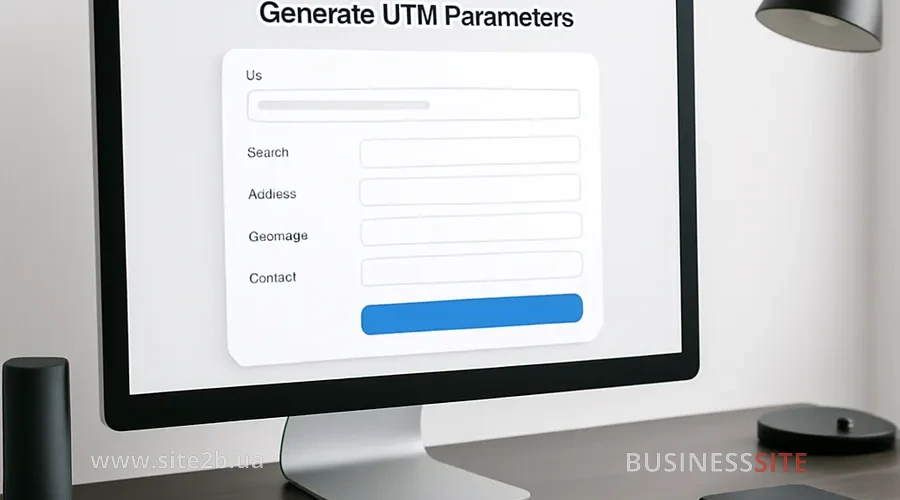
Using GCLID and UTM in contextual advertising
Advantages of gclid:
- Automatic link tagging.
- Detailed analytics for each click.
- Integration with GA4.
- gclid, for Google Ads.
- UTM tags, for all other channels (email, social networks, QR codes).
Analysis of advertising traffic and ROI in GA4
How does Google Analytics 4 process UTM tags?
- In the ‘Traffic sources’ report, you can see where users came from.
- In the ‘Channels’ report: through which channels.
- In the ‘Campaigns’ report: which campaigns.
UTM ID for assessing campaign ROI
Tips for interpreting data and optimizing advertising budgets
- Analyze performance at the level of channels, campaigns, and individual ad sets. Compare click-through rates, cost per click, cost per lead, engagement depth, and final conversion — this helps to see not only top-level statistics but also which ads actually lead to sales.
- Reallocate budget in favor of working ad sets. Regularly turn off campaigns with low ROI and direct funds to channels that consistently deliver quality leads or sales. This approach protects the budget from ‘waste’ and increases the overall efficiency of advertising investments.
- Run A/B tests to continuously improve results. Test different versions of creatives, landing pages, offers, audiences, and ad formats. Even small adjustments can increase conversion by 10–30% if they are data-driven rather than based on intuition.
Standardization and management of UTM tags within teams
How to create a system of rules for UTM tags?
- Set uniform formatting standards. Define the format for writing values: always lowercase, Latin characters only, a single separator (hyphen or underscore), no spaces or special characters. This will prevent duplicates like Facebook, facebook, fb and simplify analytics.
- Create templates for different campaign types. For example, separate structures for targeted advertising, email campaigns, influencers, banners, and organic promotion. Specify required parameters (utm_source, utm_medium, utm_campaign) and recommended ones (utm_content, utm_term, utm_id) so the whole team works in the same format.
- Organize a centralized link repository. Maintain a single registry in Google Sheets, Notion, or your CRM where all campaigns, links, dates, channels, and responsible persons are stored. This will prevent situations where different specialists create UTM tags inconsistently and will ensure data transparency when scaling.
Tracking and storing links in spreadsheets and systems
- Use Google Sheets as a single registry for all UTM links. Record the source, campaign, creative, launch date, responsible person, and UTM parameters — this allows you to quickly find the needed links and track change history.
- Automate link creation using formulas and generators. Configure templates that automatically insert parameters in the correct format and build the final URL. This reduces the risk of errors and speeds up the team’s work.
- Integrate the spreadsheet with your CRM or BI system. This way you can link clicks and visits to leads, sales, and ROI, providing full transparency across the marketing funnel.
Scaling as the business and campaigns grow
- Implement a full UTM management system for large teams. Define roles, areas of responsibility, and campaign approval rules. Create a centralized library of sources, channels, and templates so all specialists work to the same standards and do not create duplicates.
- Use automation and quality control tools. Employ link generators, UTM validators, integrations with CRM and BI systems, as well as automatic checks for parameter correctness. This is especially important when the number of campaigns, contractors, and channels grows and the risk of errors increases.
Mistakes in UTM link tagging and how to avoid them
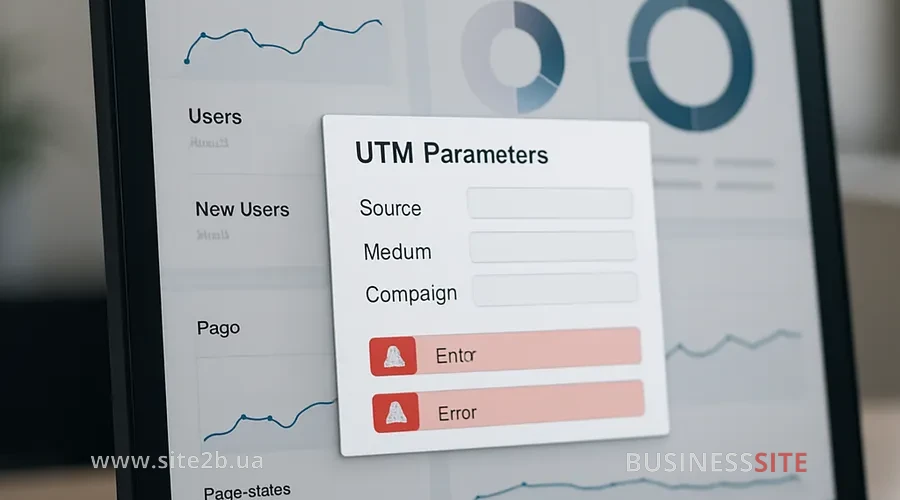
Incorrect syntax and manual entry
- Use UTM link generators to eliminate the human factor. automatic tools generate parameters strictly according to your team’s rules — in the correct case, without spaces, with the required delimiters and mandatory parameters. This eliminates most errors that occur when creating links manually.
- Check the syntax before publishing using validators or built-in checks. An error in a single character (utm_sorce instead of utm_source) can make the data unusable for analysis and break campaign attribution. Therefore, implement a final quality control: checking the format, structure, and compliance with internal standards.
Using UTM for internal links: reasons and consequences
URL duplication issues and SEO
- Use rel=”canonical” to protect against duplicate content. When the same page is available via many URLs with UTM parameters, search engines may treat them as separate versions of the page. The canonical tag helps indicate to Google which version is the main one, and protects the site from dilution of link equity and ranking drops.
- Regularly check the correctness of URLs with UTM parameters. Errors in links, accidental spaces, incorrect parameters or extra characters can create new duplicate pages, break analytics and even cause indexing errors. Set up automatic checks or a periodic URL audit to ensure correct structure and index cleanliness.
Incorrect placement of the anchor in the URL
How do UTM tags affect indexing?
How search bots index URLs with UTM
- Search bots generally ignore UTM parameters when indexing, but the UTM links themselves can create many technical duplicates. The bot sees different URLs as separate pages, even if the content is identical, which can dilute link equity and burden the crawl budget.
- Use rel=”canonical” to prevent duplication and indicate the primary version of the page. The canonical URL tells search engines which version should be indexed and which are supplementary. This helps keep the index clean, protect search rankings, and ensure that UTM parameters do not affect SEO.
Impact of case and characters on UTM
Optimizing UTM URLs for link shortening
Use cases for UTM tags in marketing
Let’s look at concrete examples of how proper setup and analysis of UTM tags help optimize budgets, increase ROI, and make informed decisions about the development of marketing strategies.
- UTM for email campaigns: setup and analysis Add UTM tags to links in email campaigns. Analyze the performance of mailings by sources and campaigns.
- UTM tags for QR codes – tracking offline traffic Generate UTM links for QR codes. Track the effectiveness of offline activities.
- Using UTM in targeted social media advertising Add UTM tags to links in ads. Analyze the effectiveness of targeted advertising.
- Tracking traffic from influencers via links Create personalized UTM links for each influencer.
- UTM and Google My Business for local promotion Add UTM tags to links in Google My Business. Analyze the effectiveness of local SEO.
- UTM examples for organic links and guest posts Add UTM tags to links in guest posts and articles. Track the effectiveness of organic links.
UTM Link Generators and Optimization
How to shorten links: Bitly, Lnnkin, To.click
The Importance of UTM Tags for Marketing
Companies that use UTM tags systematically gain key advantages:
- Understand the real effectiveness of advertising. Every click, sign-up, and purchase has a clear source.
- Reduce costs. Budget no longer goes into the “gray area”, but into campaigns that actually work.
- Accelerate growth. Scaling becomes safe because the data is always at hand.
- Control the marketing funnel. Every channel, from e-mail to influencers, gets clear KPIs.
- Strengthen the brand’s position. You eliminate chaos in analytics and make more measured business decisions.
If you want to reach a new level, stop losing money, and start accurately understanding what brings profit — start with a simple step: implement systematic link tagging.
The team at BUSINESS SITE helps companies build analytics, standardize UTM tags, automate processes, and create a system that works even with dozens of campaigns and thousands of clicks.
Rate the article:





