
If you look at the marketing reports of a typical eCommerce in Ukraine, very often up to 60–80% of all revenue is “attributed” to branded search and retargeting by last click. At the same time the same companies complain: increasing the budget in those same campaigns stops producing sales growth. In my experience, this is a classic symptom: the last-click attribution model takes all the credit and hides the channels that actually create demand.
If you continue to look at marketing through GA4’s last-click attribution, the business gets a distorted ROI across channels, underfunds the upper-funnel (video, content, reach campaigns) and overstates the role of “finishing” tools. In this article I’ll analyze how data-driven vs last click GA4 differ for financial and managerial decisions, how to configure conversion attribution in GA4, migrate from Universal Analytics and use the new model to reallocate budget and grow profit. It makes sense to read this text in full: it builds a chain from concept to concrete steps.
Attribution in GA4 and data-driven attribution

What attribution in GA4 is and how GA4 data-driven attribution differs: essentially this is a question of how the system “allocates” the value of conversions between channels and touchpoints along the customer path. Understanding which attribution models are available and how GA4 data-driven attribution works helps entrepreneurs and managers look at reports professionally, accurately assess channel performance and make decisions about marketing budgets.
GA4 attribution models: a brief overview
In Google Analytics 4 attribution is built around several key models:
- Data-driven attribution (GA4 data-driven attribution), a cross‑channel model by default.
- Cross-channel last click – the last click among paid and organic channels (essentially a variant of last non-direct click taking direct traffic into account under special rules).
- Last click (Google paid channels): a separate model that looks only at the Google Ads / YouTube ecosystem and ignores the contribution of other sources.
In UA businesses were used to a set of rule-based models (linear, time decay, position-based, etc.). In GA4 the philosophy is different:
- everything is built around event-based analytics (each action, event, not the session);
- the user’s path is connected cross-device through identifiers;
- multi-touch attribution becomes the standard, not an “advanced option”.
As a result, end-to-end analytics and GA4-based attribution are closer to the real customer journey than the old “last interaction” approaches and simple rules.
Data-driven attribution in Google Analytics 4
Data-driven attribution in Google Analytics 4 is an algorithmic, not a “manual” model. It does not split value according to a fixed rule (50/50 or 40/20/40), but uses machine learning in GA4 attribution to estimate how much each touchpoint moved the user toward a conversion.
- The multi-touch approach captures the entire path, from the first contact with advertising to purchase: video on YouTube, a display ad (GDN), organic search from Google, email, a click from Prom.ua or a partner’s banner.
- Algorithmic attribution looks not only at successful paths (where a conversion occurred) but also at similar paths without conversions.
- The difference in purchase probability with the channel and without it provides an estimate of the incremental effect of that channel.
Therefore, GA4 data-driven attribution:
- accounts for upper-funnel and mid-funnel channels, not only those that claimed the last click;
- more fairly shows the contribution of SEO, content, email, YouTube;
- is synchronized with Google Ads and supports data-driven attribution and smart bidding: traffic buying algorithms learn from the same signals as the analytics.
In BUSINESS SITE projects, switching to data-driven often leads to the same effect: the “effectiveness” of brand and retargeting falls in reports, but the contribution of discovery, video and content increases—channels that create demand and build LTV.
Data-driven attribution in GA4: how it works
- GA4 analyzes conversion paths: sequences of source / medium / campaign and other parameters, positions of touchpoints in the marketing funnel.
- For similar audiences it compares:
- paths where there was a touchpoint with a specific channel;
- paths without that touchpoint.
- The difference in conversion probability gives an estimate of the incremental contribution of channels through data-driven attribution.
- The algorithm considers the touchpoint position (first, middle, last), combinations of channels and even the time between interactions.
- In customer journey analytics via GA4 you can see how early touchpoints (content, blog, YouTube) raise the probability of purchase, even though by last click they seemed “useless”.
- For stable results, hundreds of conversions per month are needed (for each goal type, not for the entire site at once).
- Small businesses with 20–30 leads per month often see “noise” rather than a stable pattern.
- In BUSINESS SITE practice for small projects we recommend a hybrid: data-driven as the main model + supplementary rule-based reports for validation.
Why doesn’t last-click attribution work in GA4?

Why last click is not needed in GA4: the business risks of the last click model become obvious as soon as you start counting money not by individual visits, but by the entire customer journey. By putting the last click first, a business systematically undervalues some channels and overvalues others, which leads to distorted conclusions and wrong decisions on budgets and strategy.
Why the last click distorts attribution
- who built brand awareness;
- who helped the customer understand the product;
- which touchpoints removed objections.
- Content marketing, SEO and video look weak. The user reads an article, watches a review, then a couple of days later types the brand into Google and buys. Last click gives all the credit to branded search.
- Upper-funnel campaigns (Discovery, YouTube, reach formats) get few conversions under last click and appear “expensive”.
- Retargeting and brand look like “heroes” because they are often at the bottom of the funnel.
I have observed cases where an online store cut the budget for YouTube and content in favor of retargeting. In the short term ROAS by last click increased. After 2–3 months total revenue stalled: without a fresh audience retargeting simply “ate” the remaining demand. Returning to data-driven attribution and accounting for early touchpoints helped restore balance.
GA4: last-click attribution and ROI
There are nuances in GA4:
- Cross-channel last click GA4 (paid + organic) is effectively equivalent to last non-direct click: direct traffic receives attribution only if there are no other channels in the attribution window.
- Last click (paid Google channels) ignores email, social networks, organic, marketplaces and only sees Google Ads / YouTube.
- inflates the ROI of lower-funnel channels;
- undervalues attribution of paid and organic channels — effectively living in the “tunnel” of a single system;
- gets distorted CAC and LTV, because the real customer path is longer and more expensive.
Last click or the long customer journey in B2B
When it comes to B2B attribution with a long deal cycle or expensive services, GA4 attribution for a long deal cycle is especially sensitive to the model:
- 8–12 touchpoints: content, webinars, meetings, calls, demos, commercial proposal.
- Some paths happen offline, others via email and messaging apps.
- The final inquiry may come after visiting a bookmarked tab or a direct visit.
- all value goes to the last online touchpoint (for example, direct or branded search);
- the first touches that started the long customer journey disappear from the picture;
- customer journey analytics turns into an illusion: managers see a “shortened version” of the path, where it seems that brand and direct do all the work.
BUSINESS SITE’s experience with B2B projects has shown: as soon as we switch to data-driven approaches and integrate CRM data, it turns out that white-papers, industry events, email sequences and content series play the decisive role. The last click simply took credit for them.
Data-driven attribution vs. last-click in GA4
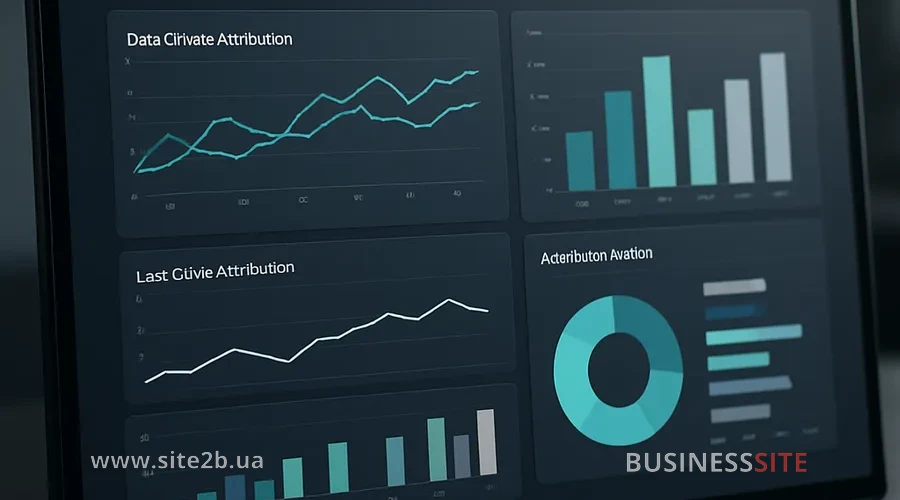
Data-driven attribution and last-click models: these are two fundamentally different systems for allocating conversion value in GA4, each with its own advantages for analytics and marketing optimization. Google Analytics 4 uses data-driven attribution by default, which analyzes the entire customer journey to purchase, whereas classic last-click models focus only on the final interaction before conversion. Understanding the differences between these attribution models is critical for correctly assessing channel performance and making informed budget allocation decisions.
Data-driven vs last click in GA4
From a business perspective it’s convenient to compare GA4 attribution models using three criteria:
| Criterion | Last click (cross-channel) | Data-driven attribution GA4 |
|---|---|---|
| Early touchpoints accounted for | No | Yes, across the entire journey |
| Value distribution | 100% to the last touch | Fractional attribution by contribution |
| Incremental effect of channels | Not visible | Estimated via ML models |
| Support for full‑funnel strategy | Weak | Strong (especially upper/mid‑funnel) |
| Alignment with smart bidding | Limited | High, unified signal logic |
- the share of brand and retargeting in reports decreases;
- the contribution of SEO, content, YouTube, discovery increases;
- email and loyalty campaigns receive a more realistic assessment.
This is not a “worsening” of the brand, but an honest removal of the last-click bias. At BUSINESS SITE, when switching to data-driven we always prepare guidance in advance: we explain that a change in the picture is not a business decline, but an adjustment of perspective.
How the choice of attribution model affects the media mix and budgets
With last click:
- the media plan pulls the focus to the bottom of the funnel;
- the media mix shifts toward performance channels that capture demand but create little of it;
- the full‑funnel marketing strategy becomes diluted.
With data-driven:
- it becomes possible to use GA4 data-driven attribution to optimize the media mix;
- it’s easier to model budget allocation scenarios: “what if +30% to YouTube and –20% to branded search”;
- channel performance evaluation relies on incremental contribution, not just last-click conversions.
In e-commerce projects the BUSINESS SITE team often followed this approach:
- launched a “GA4 Attribution Models Comparison” report;
- looked for channels whose value increased by 1.5–3x when switching to data-driven;
- test-increased budgets for these directions (often video and content campaigns), while simultaneously reducing the share of retargeting.
GA4 attribution models and smart bidding
Another important aspect: attribution and automated bidding:
- GA4 conversion attribution forms signals that, via conversion import, get into Google Ads;
- data-driven attribution and smart bidding are synchronized: bidding algorithms optimize campaigns taking into account the contribution of different touches, not just the last click;
- with last click, smart bidding overvalues retargeting and brand, because it sees many “cheap” conversions.
When a business changes the attribution model in GA4 and configures export of conversions from GA4 to Google Ads, metrics often change:
- CPA for brand and retargeting increases (or appears higher);
- ROAS for the upper‑funnel increases because the system sees more conversions associated with these campaigns;
- budget allocation in smart bidding gradually shifts toward channels that actually grow revenue, not just “collect” it.
Attribution settings in GA4 and the transition from UA
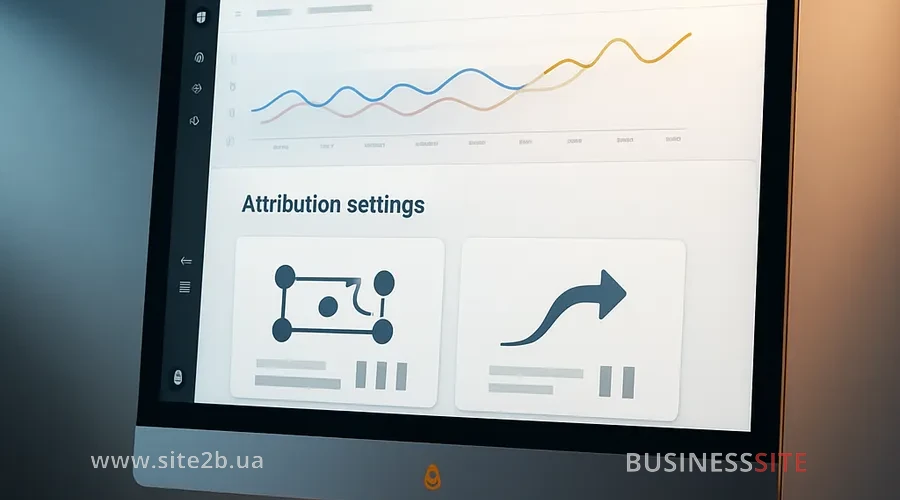
Practice: attribution settings in GA4 and the transition from Universal Analytics — this is not just a technical step, but a rebuild of the entire logic by which you evaluate channel performance and make marketing decisions. Below we will analyze which attribution settings in GA4 to choose for different business models and what to pay attention to when migrating from Universal Analytics so you don’t lose data and controllability.
Attribution in GA4: how to choose settings
In the GA4 interface the attribution settings GA4 section for business is usually located in the property settings:
- choice of attribution model (default – data-driven);
- choice of lookback window (attribution window) for clicks and for view-through conversions;
- accounting for view-through conversions and YouTube engaged views — an important point for those who actively use video.
- accounting for direct traffic in GA4 attribution models: in data-driven, direct receives value only where the algorithm sees a real contribution; in last click, direct more often takes conversions if there are no other channels in the attribution window.
- For an average sales cycle in eCommerce a 30-day window is usually sufficient; for B2B and high-ticket services consider 60–90 days so the conversion path isn’t cut off.
Transition from Universal Analytics to GA4: attribution models
- different session vs event logic;
- different attribution models (UA by default, last non-direct click, GA4, data-driven);
- removal of old attribution models in GA4 and the move to a unified philosophy.
- I build separate reports in UA and GA4 with identical windows, conversion types and models as close as possible;
- I show owners the delta: how channel contributions change when moving to data-driven;
- I separately discuss how to assess the impact of disabling old attribution models in GA4 on historical analytics: past decisions were made in a different frame of reference, so it’s important to recalculate them carefully.
Data-driven attribution model in GA4: how to change it
- I check in the settings that the default attribution model is data-driven.
- I create duplicates of the main reports with the GA4 cross-channel last click model to see the contrast.
- I use the “GA4 Attribution Model Comparison” report:
- I analyze which channels are declining or, conversely, growing;
- I record changes in CPA / ROAS / number of conversions.
- distribution of conversions by channels and campaigns;
- changes in CPA and ROAS by channel groups (brand, non-brand, retargeting, video, content);
- the contribution of retargeting and brand campaigns to the overall picture.
This is how we at BUSINESS SITE check whether the business benefits from data-driven attribution compared to last click and where budget adjustments are required.
Attribution in GA4: model comparison and conversion paths
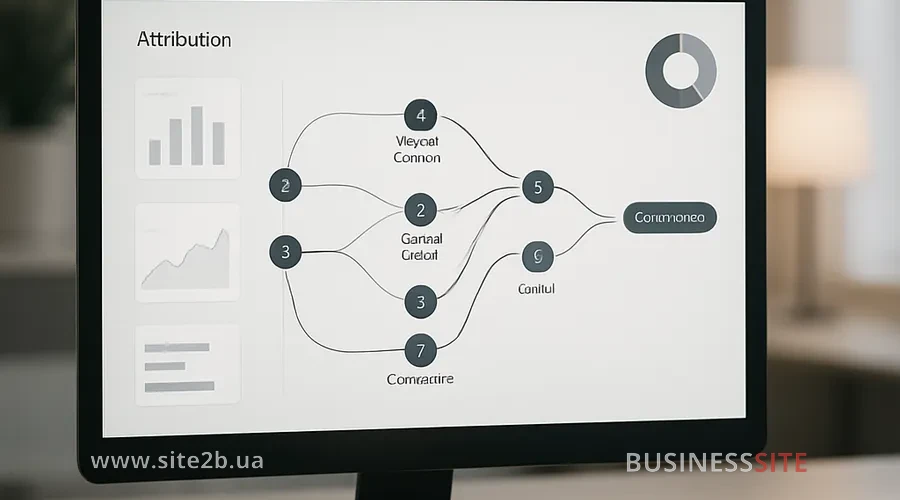
To read GA4 attribution reports “Model Comparison” and “Conversion Paths” in a way that’s useful for the business, it’s important not only to understand how they are structured but also to see how different models redistribute conversion value between channels. In this section we’ll look at how the “GA4 Attribution Model Comparison” report helps revise budgets, and how “Conversion Paths” helps find real points of influence on outcomes across the customer journey.
Report GA4 Attribution Model Comparison for budget review
The “Model Comparison” report is the main tool when it comes to revising strategy. I use it like this:
- I select two models: data-driven and cross-channel last click;
- I analyze the delta in conversions and revenue for each channel/campaign;
- I note the channels whose contribution sharply increases or decreases.
- channels that appear stronger in data-driven get a test increase in budget;
- for channels overvalued by last click (often retargeting and brand) I limit investment growth and look at the incremental effect of channels;
- I adjust KPIs for vendors and internal teams so they don’t “optimize” only for last click.
Report “GA4 Conversion Paths”: how to improve the customer journey
The “Conversion Paths” report shows typical sequences, for example,
- YouTube → Organic → Direct;
- Display → Remarketing → Purchase;
- Blog → Email → Brand Search → Purchase.
When I interpret the GA4 conversion paths report, I’m interested in:
- which touches most often open the path (acquisition channels);
- which touches most often close the deal;
- which repeat in the middle of the path (support and warming).
- where to strengthen content to overcome objections;
- which funnel steps require UX improvements (order form, PrivatBank/Monobank payment, Nova Poshta delivery);
- which channels clearly receive insufficient budget given their role in the top stages of the funnel.
Offline conversions, CRM and end-to-end analytics in GA4
For many Ukrainian businesses (construction, B2B services, complex eCommerce) a significant part of the journey lives outside the website. Here, end-to-end analytics based on GA4 is important:
- integration of GA4 with CRM and call-tracking;
- import of offline conversions and their accounting in GA4 (calls, meetings, in-office deals);
- setting up a unified customer ID to link online and offline touchpoints.
- align the GA4 attribution model with the attribution model inside the CRM (first touch, last touch, hybrid);
- build a unified model for several business lines (for example, eCommerce + wholesale);
- see the full journey where GA4 becomes the core of the martech stack, not “separate reporting”.
How data-driven attribution affects KPIs
Data-driven attribution is not just an analytics tool but a strategic foundation for rethinking marketing KPIs. When you move from simple models like “last click” to a multichannel assessment of each touchpoint’s contribution, it changes not only reporting but the entire approach to budget risk management.
OKRs and marketing KPIs: adapting to attribution
Changing the attribution model = changing the evaluation system. I always tell this to owners:
- if you tie marketers’ bonuses to last click, the team will naturally optimize only the bottom of the funnel;
- when switching to data-driven you need to update marketing OKRs and KPIs in the context of attribution.
- CPA and ROAS targets taking into account the changed distribution of conversions;
- the share of brand traffic vs non‑brand and the contribution of the upper‑funnel;
- LTV and CLV metrics linked to attribution and unit economics.
After that it’s important to update marketing dashboards and the visualization of attribution models: the same data, but through the lens of the new model so owners can quickly see the picture.
How to justify the move to data-driven attribution
- “Why did brand and retargeting decline if revenue hasn’t changed?”
- “Why do half of conversions now go to SEO and content?”
- I show multi-touch paths and the difference between last click and data-driven;
- I explain that previously brand and retargeting were getting ‘credit’ that wasn’t theirs;
- I demonstrate underfunded growth channels that appear stronger under data-driven attribution.
- include data-driven findings in annual planning and scenario modeling of business growth;
- model several media-mix scenarios with different levels of investment in the upper‑funnel;
- assess risks and control points at the board level.
When data-driven attribution harms trust in data
In my experience, how reliable data-driven attribution algorithms are is a secondary question. What’s more important is:
- data governance and data quality for correct attribution:
- correct campaign tagging;
- stable event tracking;
- absence of ‘junk’ conversions;
- sufficient volume of data for ML models to work.
- some tracking is lost due to browser and system limitations;
- GA4 uses modeling to compensate for missing data;
- executives should understand that this is not ‘perfect truth’, but the best estimate given privacy-first measurement and tracking constraints.
Therefore I always emphasize: trust in data is built not only on Google’s algorithms, but also on how the company itself treats the data, their quality, and their interpretation.
Practical scenarios for different business types: eCommerce, lead generation, B2B
Practical scenarios for different business types: eCommerce, lead generation, B2B show how differently attribution in GA4 affects decision-making and budget allocation. Using the eCommerce example, we’ll look at how to configure attribution so as not to ‘kill’ brand and content channels, then move on to the specifics of lead generation and B2B models.
Attribution in eCommerce in GA4: how not to lose brand and content channels
- fairly assess the contribution of SEO, reviews, product pages, email campaigns and loyalty programs;
- see the real effect of post-click and post-view conversions from video and display campaigns;
- avoid situations where turning off content channels after 2–3 months ‘drains’ all demand.
When switching to GA4 data-driven attribution I compare campaign results:
- build parallel reports for last click and data-driven;
- check how ROAS changes by categories, brands and campaign types;
- test-adjust the media plan and monitor total revenue and margin.
Lead generation in B2B: GA4 attribution
- micro-conversions (form start, demo request, webinar registration, presentation download);
- long sales cycle in CRM;
- meetings, calls, offline signings.
- see B2B attribution with a long sales cycle in full;
- account for offline sales in the overall attribution picture, not just website leads;
- correctly calculate CAC, LTV and unit economics of the product/service.
The BUSINESS SITE team, when working with B2B clients, often started with something simple: importing deal statuses from the CRM back into GA4 so that attribution was built not only on leads but also on actual sales.
Data-driven strategy for small business
- if the conversion volume is low, data-driven attribution in GA4 with small traffic and conversion volumes can give unstable results;
- in such cases I recommend:
- use DDA as the main model, but
- simultaneously maintain rule-based reporting (for example, last click) for control;
- focus on the quality of tracking and increasing the number of conversions.
Switching from last-click to GA4 data-driven attribution
Data-driven attribution in GA4
- Audit of the current model and KPIs:
- which models are used in GA4 and advertising platforms;
- how marketing bonuses and OKRs are tied to these models.
- Data and conversion quality check:
- correctness of conversion events and key events in GA4;
- absence of duplicate goals and “noise” events;
- stability of eCommerce/lead form tracking.
- Switching the model and configuring reports:
- setting data-driven as the default;
- keeping last click available for comparison;
- training the team to work with the new GA4 reports.
- A regular review plan: how often to revisit the chosen attribution model in GA4 — typically every 6–12 months or when there are significant changes in the marketing mix.
What to monitor after changing the model
- watch for sharp shifts in conversions by channel;
- track CPA and ROAS dynamics;
- monitor anomalies in direct traffic and branded search.
- a channel has sharply “dropped” in reports but overall revenue is stable, this is a normal effect of changing the model;
- a sharp shift in conversions by channel after changing attribution in GA4 is accompanied by a revenue decline, then I analyze data quality, conversion export settings, and smart bidding performance.
FAQ for managers and owners
- “Why did branded search drop?”
Because the last-click model used to give the brand credit for value created by other channels. Data-driven attribution redistributed credit across the whole chain.
- “Why does retargeting no longer look super-effective?”
Retargeting closes deals well but rarely creates demand. The new model shows the real role of this channel so the company doesn’t overpay for the bottom of the funnel.
- “How to allocate responsibility between channels and contractors if attribution is no longer last-click?”
I recommend fixing the channel’s role (upper/mid/low funnel), agreeing KPIs for contribution to the overall result, and using GA4 reports as the single source of truth, not a battleground.
How to use GA4 data attribution to increase profits
Data-driven attribution in GA4 has already become the standard for companies with multi‑channel and full‑funnel marketing. It allows you to:
- see the real contribution of channels, not just last click;
- establish conversion attribution and budget allocation based on incremental effect;
- plan long-term investments in brand and content, not just to chase “lower-funnel” revenue.
- review your choice of attribution model for your business in GA4;
- synchronize it with KPIs, reporting, and the team’s incentive system;
- use GA4 as a basis for managing the media mix and a full‑funnel marketing strategy.
BUSINESS SITE’s experience has shown: companies that have taken this step deliberately gain not only greater transparency in their numbers, but also speed.
Rate the article:





