
Imagine a unified workspace where tasks, documents, knowledge bases, and projects seamlessly intertwine. According to a recent study, companies that have implemented such integrated platforms report a 30% reduction in time spent searching for information and an overall productivity increase of 25%.
- Centralize all work information: forget about searching for the necessary file across different cloud storages.
- Establish transparent project management: track progress, assign responsibilities, and meet deadlines in one place.
- Create a unified knowledge base: easily document processes, making onboarding new employees much faster.
Ready to elevate your team’s work organization to the next level? Read on to discover how Notion can be the key to boosting efficiency and reducing operational costs for your business.
What is Notion?

Notion is a versatile tool for organizing information that combines the functions of notes, databases, kanban boards, wiki pages, and more. Essentially, it’s a workspace where you can gather all the necessary information in one place and customize it to suit your needs.
Key Features of Notion

The main strength of Notion lies in its flexibility. You can create databases with various types of fields, link them, and form automatic views of information. For example, for the redesign project of the “OKSI Bank” website, we created a database of tasks in Notion, linked it with the employee database, and got an automatically updated board with task distribution.
Templates are another powerful feature of Notion. At BUSINESS SITE, we developed our own templates for different types of projects: from creating online stores to comprehensive marketing campaigns.
Integrations with other services make Notion even more powerful. We connected it to Slack, which reduced the number of chats and focused communication around specific tasks and projects. Also, integration with Google Calendar helps us synchronize deadlines and important events.
Pros and Cons of Notion

Advantages:
- Flexibility and customization. You can tailor Notion to any need — from a simple to-do list to a complex CRM system. When working on the project for “Yuri-Farm,” we managed to create a full-fledged content management system in Notion for their blog.
- Team collaboration. Notion allows setting various access levels to content, which is especially important when dealing with clients’ confidential information.
- Unified workspace. Everything you need is in one place, significantly reducing the time spent searching for information and switching between services.
Disadvantages:
- Learning curve. Notion is not the most intuitive tool. When we implemented it in BUSINESS SITE, it took about two weeks for the team to get fully accustomed.
- Cost. Notion is paid, especially for teams. The larger the team, the higher the cost. However, compared to the set of separate tools that Notion replaces, the price is quite reasonable.
- Lack of chats. Notion does not have a built-in chat function, which can be inconvenient for quick communication. We solved this problem with a Slack integration.
Who is Notion for?
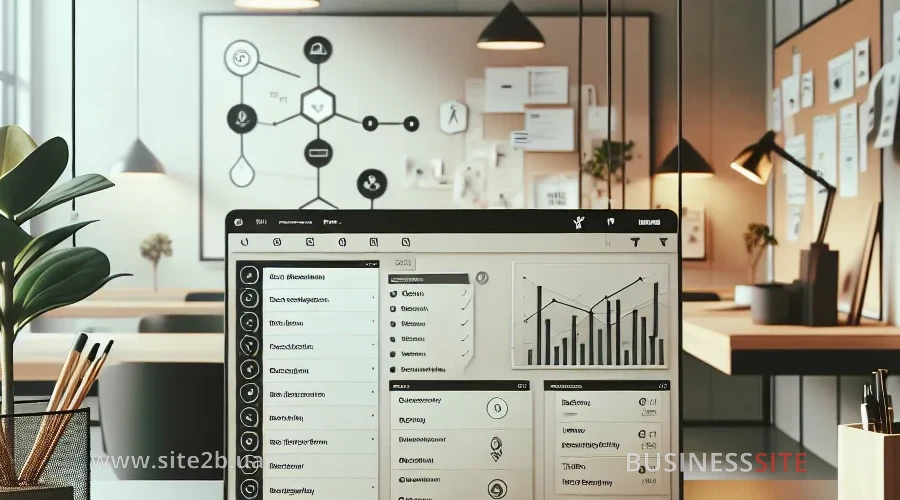
For entrepreneurs Notion is an opportunity to keep all aspects of the business under control. The owner of “AnyTour,” with our help, created a dashboard in Notion where he tracks key business indicators, plans development strategy, and manages task execution by the team.
For managers Notion provides tools for effective team and project management. The marketing director of “Astrafarm” uses Notion for planning marketing campaigns, task distribution among employees, and progress tracking.
For marketers Notion is a real find. At BUSINESS SITE, we use it for creating content plans, tracking the effectiveness of advertising campaigns, and storing marketing materials. For example, for the “Hemosfera” project, we developed a content management system in Notion, which helped increase organic traffic by 35% in six months.
Price, Cost of Using Notion

Notion offers several pricing plans:
- Free plan — suitable for personal use or small teams up to 5 people. There are guest access limitations.
- Personal Pro — $4 per month with annual billing. Removes the Free plan limitations and adds unlimited version history.
- Team — $8 per user per month with annual billing. Adds enhanced team collaboration features.
- Enterprise — custom pricing. Offers additional security and support features for large organizations.
How to Use Notion in Everyday Life

Starting with Notion can be challenging due to its abundance of features. I recommend starting simple: create a page with tasks for the day or week. Gradually add new elements and features.
- Start with templates. Notion offers many ready-made templates for different tasks. This helps to quickly understand how the tool works.
- Create a structure. Divide information into logical blocks. For example, BUSINESS SITE has sections for different areas: projects, marketing, HR, finance.
- Use databases. They allow you to structure information and create various views of the same data.
- Experiment with formatting. Notion offers rich text formatting options, making information more visual.
For setting up workspace in Notion, it’s important to think through the structure. At BUSINESS SITE, we use the following hierarchy:
- Main page — contains links to key sections and important information.
- Projects — each project has its page with tasks, documents, and resources.
- Team — information about employees, their tasks, and achievements.
- Knowledge base — a repository of useful information, instructions, and best practices.
How to Use Notion in Work and Business

Project management is one of Notion’s strengths. At BUSINESS SITE, we create a separate page for each project, where all necessary information is gathered: description, goals, tasks, resources, deadlines. For tracking progress, we use kanban boards that visualize task movement from idea to implementation.
In marketing, Notion is also indispensable. We use it for:
- Creating content plans. A database of publications, where each has a topic, keywords, status, responsible person, publication date.
- Tracking the effectiveness of advertising campaigns. Tables with metrics, graphs, and charts.
- Storing marketing materials. Texts, images, videos — all in one place with a convenient search system.
Best practices for using Notion in business that we have developed at BUSINESS SITE:
- Create templates for recurring tasks. It saves time and ensures consistency.
- Use linked databases. They help avoid information duplication.
- Set up automations. For example, automatic status change of a task when a deadline approaches.
- Regularly update information. Notion is effective only when the data in it is current.
- Conducting meetings. Create agendas, record decisions, and assign tasks during the meeting.
- Onboarding new employees. Newcomers get access to a knowledge base containing all necessary information.
- Sharing knowledge. Each team member can add useful information to the common knowledge base.
How to Install/Register Notion
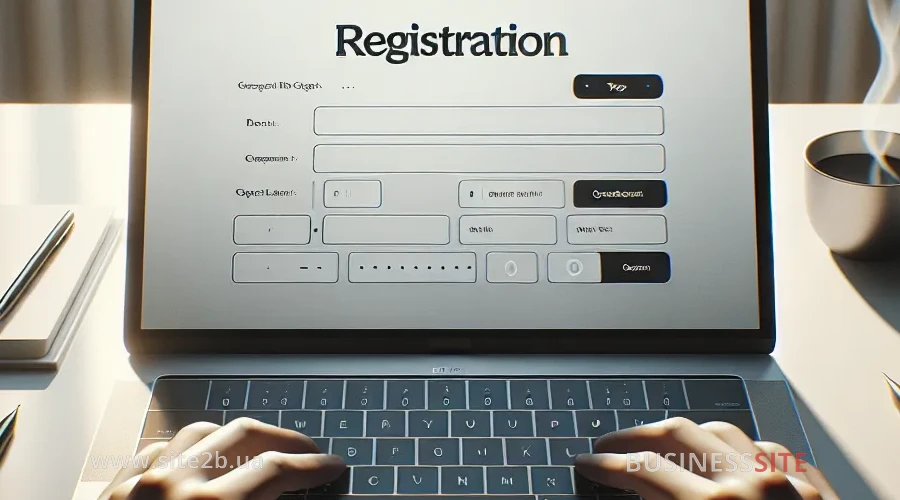
Installing/Registering Notion on PC
The process of installing Notion on a computer is simple:
- Visit the official Notion website.
- Click the “Sign up” or “Get Notion free” button.
- Register using an email, Google, or Apple account.
- Download the desktop application for Windows or Mac.
- Install the application and log into your account.
Installing/Registering Notion on Mobile
To use Notion on mobile devices:
- Download the Notion app from the App Store or Google Play.
- Open the app and log into your account or register.
- Synchronize data with your account.
The mobile Notion app allows you to work with information anywhere.
FAQ

Notion is a versatile tool for organizing information and managing projects. It can help your business centralize information, improve team communication, and optimize workflows.
Notion provides a single workspace where every team member can access necessary information. You can create tasks, assign responsibilities, set deadlines, and track progress. For the “Hemosfera” project, we increased team efficiency by 30% by implementing a task management system with clear completion criteria.
For marketers, the most useful features include:
– Databases for creating content plans
– Kanban boards for managing marketing campaigns
– Templates for creating similar materials
– Calendars for planning publications
– Galleries for storing visual materials
Start small: create a task list for the day or week. Then gradually add new elements like notes, databases, and calendars. Use ready-made templates to get oriented faster.
Notion integrates with many services useful for digital marketing:
– Slack for communication
– Google Analytics for tracking metrics
– Zapier for automating processes
– Trello and Asana for data migration
– Google Calendar for synchronizing deadlines
Compared to Trello, Asana, or Jira, Notion offers more flexible options for customizing your workspace. It combines the functions of various tools in one place. However, specialized tools may have more advanced features in their area.
Notion offers several levels of data protection:
– Data encryption at rest and in transit
– Two-factor authentication
– Access control settings for different users and groups
– Data export for creating backups
Notion offers many templates for entrepreneurs:
– Business plan
– Financial tracker
– CRM system
– Project management system
– Company knowledge base
Notion provides convenient tools for creating a content plan, storing materials, and tracking effectiveness. You can create a database of publications where each entry includes a topic, keywords, status, responsible person, publication date. For the “Yuri-Farm” project, we created a content management system that helped increase organic traffic by 40% in a year.
At BUSINESS SITE, we’ve successfully implemented Notion for project and marketing management. For example, for “OKSI Bank,” we created a content marketing management system that helped increase conversion by 25% in six months. For the construction company “Novdim,” we developed a project management system that reduced inter-department communication time by 40%.
Conclusion

If you want to optimize workflows, improve team communication, and boost productivity, Notion is an excellent choice. Despite a bit of a learning curve, the investment of time in mastering this tool pays off multiple times over.
Rate the article:





