Imagine: 73% of users leave the site if it is inconvenient on a mobile device, and conversion drops by 50% without personalization for age groups. Managers and marketers spend budgets on advertising, but traffic leaves without bringing sales: because the site’s design for the audience does not take into account who exactly visits: a young entrepreneur on a smartphone or an experienced director at a desktop. How can you make responsive site design turn visitors into customers, increasing ROI by 30-50%? I, Maksim Dimura, have been running the web studio BUSINESS SITE since 2011, and in our experience, correctly adapting a site to the target audience solves this problem. Read to the end; we’ll break down the steps, metrics and case studies that the BUSINESS SITE team applies for pharma companies and banks so you can immediately apply them in your business.
Adaptive website design for the audience
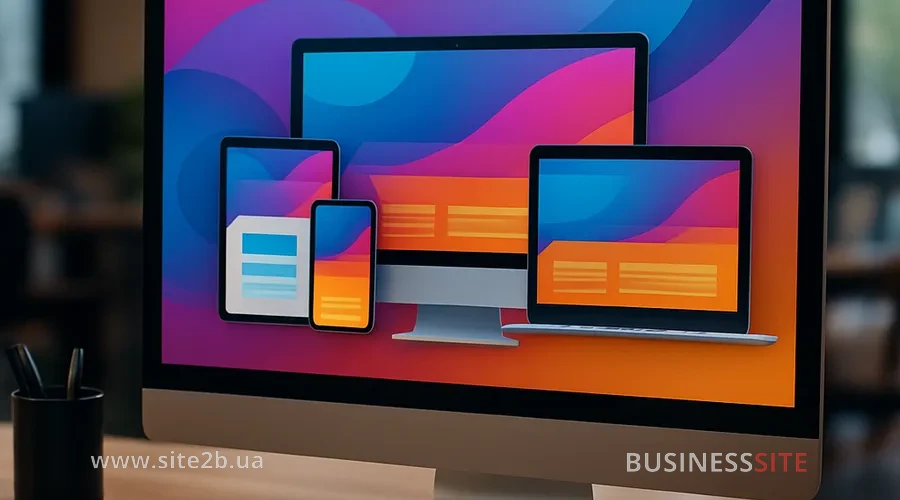
Adaptive website design adjusts the interface to devices, screens and user behavior, providing a responsive layout across all platforms. In my experience, it is the foundation without which target audience segmentation loses its meaning – especially when mobile traffic exceeds 70%.
What is adaptive website design?
Adaptive website design automatically changes the layout, fonts and elements depending on the screen, using a mobile first strategy or a Desktop First approach. BUSINESS SITE specialists always start with an analysis of Core Web Vitals: metrics of loading speed, interactivity and visual stability, which Google has ranked since 2021.
For a pharmaceutical company we implemented a responsive layout where payment buttons via PrivatBank adapted to touch screens, conversion across segments increased by 25%, confirming that responsive design directly influences audience retention.
Responsive design: analysis of mobile traffic
First we study mobile traffic analysis in google analytics: share of sessions from mobile, average time and bounces by device. If >70% of traffic is mobile, we choose a Mobile First strategy: design starts with the smartphone, then scales up.
Audience-focused website design: segmentation

Audience-focused website design is built on audience segmentation, where the target audience profile is divided by demographics, psychographics, and behavior. This increases conversion across segments by 40%, as our projects show.
Audience segmentation: creating personas
Create user personas through customer journey mapping and value proposition canvas: for B2B — managers aged 35–50 looking for ROI; for B2C, young people 18–30 who value speed. Demographic segmentation (age, gender) is combined with psychographic segmentation (values, lifestyle) and behavioral targeting (audience behavior patterns).
Website design personalization: color, typography, UX
Personalization of website design adapts the color scheme to the audience (blue for trust in B2B, bright tones for young people) and typography for different groups (large fonts 16px+ for 50+). UX for different users includes microinteractions and interface animation: hover effects for desktop, swipe for mobile.
Personalization strategies for audience-focused design

target audience design goes beyond basic responsive design, using DISC analysis and cultural localization for deep immersion into user psychology.
DISC analysis: design and psychographics
DISC analysis classifies by types: Dominance (decisive leaders — clear CTAs), Influence (communicators: social proof). Psychographic segmentation analyzes behavioral patterns of the target audience through behavioral analytics, reducing churn rate by 20%.
Website design localization and omnichannel design
Website design localization: an omnichannel approach
Website design localization adapts to culture: RTL for Arab markets, hryvnias instead of dollars for Ukraine. Omnichannel design provides omnichannel personalization through dynamic content rendering: the site syncs with the app and email.
UX testing and success metrics

UX for different users is verified by tests, focusing on A/B design testing and heatmap analysis for precise accessibility (accessibility).
A/B testing: heatmaps and design
Run A/B testing of the design in Google Optimize: variant A – standard, B – personalized. Heatmap analysis (Hotjar) shows clicks and scrolls.
ROI from design and conversion by segments
Measure ROI from adapting design: (profit – costs)/costs *100%. How does audience segmentation affect web design ROI? Conversion increases by 20-50%, LTV by 30%. Key metrics: conversion by segments, time-on-site metrics, churn rate reduction through design.
AI in personalized design

Scaling personalized design uses AI-driven design adaptation, minimizing costs as the audience grows.
AI design adaptation with neural networks
AI-driven design adaptation through neural segmentation models dynamically changes the interface: recommendations for zero-party data collection (surveys). Federated learning in recommendations ensures privacy-first personalization.
Scaling with PWA and omnichannel without increasing costs
Progressive web apps (PWA) for the target audience provide offline access and push. How to scale personalized design without rising costs? Combine PWA with omnichannel design, synchronizing devices.
Follow these steps: start by analyzing traffic, create personas, run A/B tests and add AI. The BUSINESS SITE team is ready to audit your site: write to us, we’ll discuss metrics for your business. This is the path to sustainable sales growth and ROI.
Rate the article: