
At the same time, according to recent international studies, adding relevant extensions increases click-through rate (CTR) by 15–45%, and conversions by up to 30% depending on the niche and quality of the setup.
Business in Ukraine demands transparency, measurable results and maximum return from every hryvnia invested.
Assets and extensions in Google Ads, what are they?
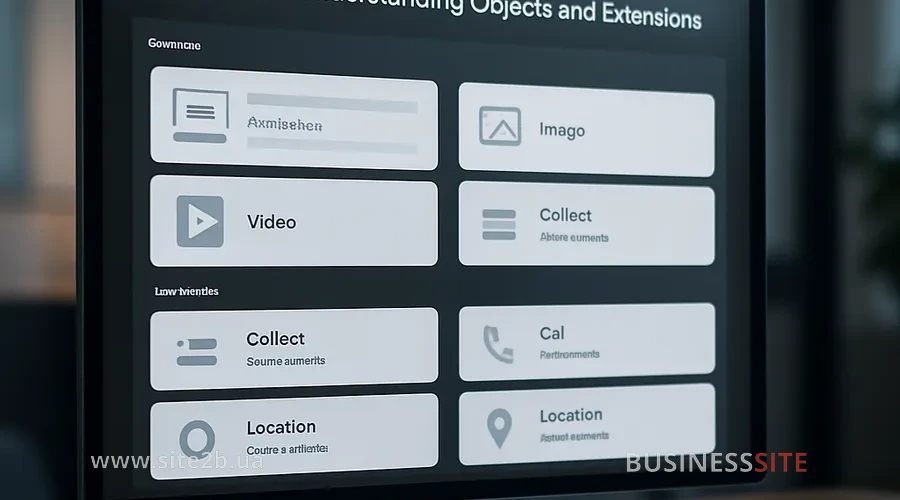
I believe that Google ad extensions allow businesses to go beyond standard text and deliver more value to the user: from the office address and phone number to promotions and lead collection forms.
For example, for a pharmaceutical company we implemented structured snippets and additional links, which increased the ad’s relevance and boosted conversions by 28%.
Extensions affect the ad’s position in search results, making it more noticeable to the target audience, and also help optimize the budget by directing funds to the most effective assets.
This is where a strategic approach shows itself: BUSINESS SITE analyzes the client’s tasks, selects optimal types of extensions and integrates them into the overall digital strategy, ensuring maximum return from advertising.
Google Ads extensions: manual and automatic
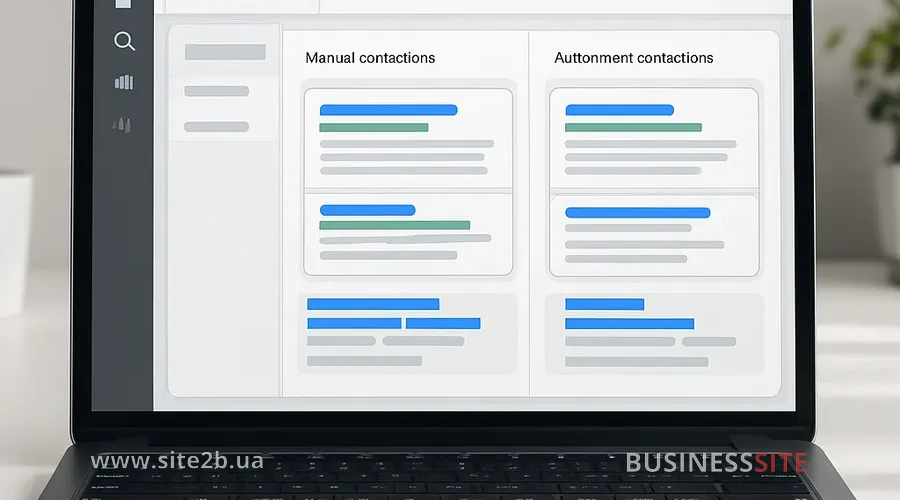
Google Ads extensions are additional elements that help make an ad more informative and noticeable. They come in two types: manual, which the advertiser configures themselves, and automatic, which are created by the Google system based on site and account data. This approach allows both maintaining full control over content and using automation to improve ad efficiency.
Manual Google Ads extensions — content management
Manual extensions are assets that you configure yourself, fully controlling their content and display logic. In my experience, manual management of extensions is especially important for businesses where every detail of the ad affects trust and conversion.
Main types of manual extensions:
- Google Ads Sitelinks (Sitelinks): Allow adding several links to the ad with unique headlines and descriptions. In the case of an online store we used sitelinks to highlight popular categories, which increased CTR by 37%. Best practices — clearly segment links by audience interests and test them on different ad groups.
- Google Ads Structured Snippets (Structured Snippets): Thematic headers with key items (for example, “Services”, “Brands”). For a laboratory we implemented structured snippets to emphasize unique testing directions, which increased ad relevance and lowered CPC.
- Headlines and descriptions: The ability to pin important phrases, schedule display depending on time of day or promotions. This is especially relevant for seasonal offers and limited-time promotions.
- Callouts (Callouts): Short highlights of advantages: “Free delivery”, “Quality guarantee”. In BUSINESS SITE practice such clarifications strengthen trust and encourage quick decisions.
- Promotions in Google Ads: Seasonal and holiday offers that can be launched with time constraints. For a travel agency we configured promotions for the vacation period, which resulted in a 24% increase in requests.
- Price: Displaying the cost of goods and services directly in the ad. This increases transparency and trust, especially for e-commerce.
- Addresses and local Google Ads extensions: Integration with Google My Business allows showing addresses, maps, opening hours. For a construction company with multiple branches we implemented multi-geographic targeting, which increased offline sales.
- Phone number extensions in Google Ads: Simplify calls from mobile devices, increasing the number of enquiries. In a bank case, implementing this extension increased the number of calls by 19%.
- Chat extensions (WhatsApp, messengers): A new communication channel, especially relevant for B2C and service businesses.
- Images and visual extensions: Visual assets increase attractivenAppeal of the ad and make it stand out among competitors. Image format requirements: high quality, relevance, and brand consistency.
- App Extensions (App Extensions): Promoting mobile applications, increasing the number of downloads.
- Google Ads Lead Form Extensions (Lead Form Extensions): Collecting contacts directly in the ad without redirecting to the website. For a pharmaceutical company we used appointment booking forms for consultations, which increased lead conversion by 22%.
- Company name and logo: Increase recognition and trust, especially for new brands or when launching new services.
Automatic Google Ads extensions: how to use them?
Automatic extensions are created by Google based on account data, user behavior and site content. They can complement or replace manual assets, automatically selecting the most relevant elements to improve campaign performance.
Benefits of automation: speed of implementation, reach across wide audience segments, and minimization of manual work. At BUSINESS SITE we use automatic extensions for large-scale campaigns when we need to quickly test hypotheses and gather statistics.
Therefore it’s important to regularly analyze their contribution to the campaign, manage their display at the account level, disable ineffective items and optimize settings.
Configuring Google Ads extensions for efficiency
Configuring Google Ads extensions is an important step to increase the effectiveness of your advertising campaigns. Proper use of these additional elements helps increase ad click-through rates and attract more targeted traffic. In the following subsections we’ll look at how to set up extensions at the campaign and ad group levels for maximum results. Next we’ll move to a detailed instruction on their application.
How to set up Google Ads extensions in a campaign and ad group
Setting up extensions starts with choosing the level – account, campaign, or ad group. I recommend using a flexible approach: set strategic items (for example, addresses, phone numbers) at the account level, and thematic ones at the campaign or ad group level for maximum relevance.
The step-by-step setup process includes:
- Analysis of campaign goals and audience segments.
- Choosing types of extensions that correspond to the objectives.
- Filling in content taking Google requirements into account (uniqueness, relevance, quality).
- Pinning headlines and descriptions for key offers.
- Planning impressions taking seasonality and time-limited promotions into account.
- Testing different extension variants (A/B tests).
In BUSINESS SITE practice we often pin important phrases in headlines and descriptions to increase ad effectiveness in competitive niches.
Integration of Google My Business with Google Ads for local businesses
Linking a Google Business Profile account with address extensions allows you to make the most of local targeting potential. This is especially important for businesses with multiple points of sale or branches.
- Automatic updating of location information.
- Display of addresses, maps, routes and opening hours directly in the ad.
- Increased trust and higher offline conversions.
For an online store with pickup points we integrated Google My Business, which increased offline customer traffic by 17%.
Features of extensions for mobile and desktop ads: format adaptation, display of maps and contact details depending on the user’s device.
Extensions for promotions and seasonal offers
Setting up promotions through Google Ads extensions is an effective way to quickly communicate current discounts, sales and special offers to your audience. I recommend planning promotion launches taking into account holidays, seasonality and time frames.
In the travel agency case study we launched seasonal extensions for the vacation period, which increased CTR by 29% and conversions by 18%.
It’s important to consider the impact of extensions on Google Ads CTR and conversions, regularly analyze statistics and adjust offers.
Impact of Google Ads extensions on advertising effectiveness
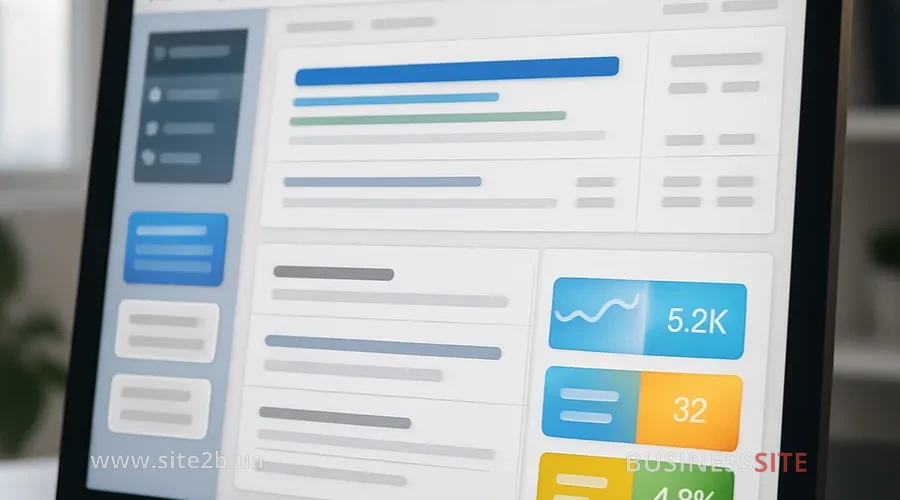
Google Ads extensions significantly affect ad effectiveness by making ads more noticeable and informative. Thanks to additional information and ease of interaction they increase ad appeal, which improves their ranking and click-through rate. That’s why understanding how extensions affect results is important for optimizing advertising campaigns.
How extensions increase a Google Ads ad’s ranking
Extensions directly affect the Quality Score and ad rank in Google Ads. Google’s algorithms take into account the presence and relevance of extensions when determining the ad’s position in search results.
Using extensions to improve ad quality is a strategic tool for optimizing budget and increasing campaign effectiveness.
Extensions to increase CTR and conversions in Google Ads
A key mechanism to increase clickability is adding relevant extensions: additional links, promotions, contact details, and lead forms. In the bank case, implementing extensions with a phone number and a lead form increased inquiries by 27%.
Google Ads lead form extensions allow collecting contacts without redirecting to the website, which is especially important for businesses focused on quick requests and consultations. It’s important to test different types of extensions, analyze their contribution to CTR and conversions, and adjust strategy based on the data.
Flexibility of extensions for business goals and audience
Setting up extensions forof different segments and types of business, the key to a campaign’s success. In BUSINESS SITE practice we adapt assets to B2B and B2C segments, taking into account niche specifics, seasonality, and campaign goals.
The ability to quickly change and scale extensions allows you to respond promptly to market changes, launch new products and services, and optimize advertising campaigns using Google Ads extensions.
How to improve the effectiveness of Google Ads extensions?
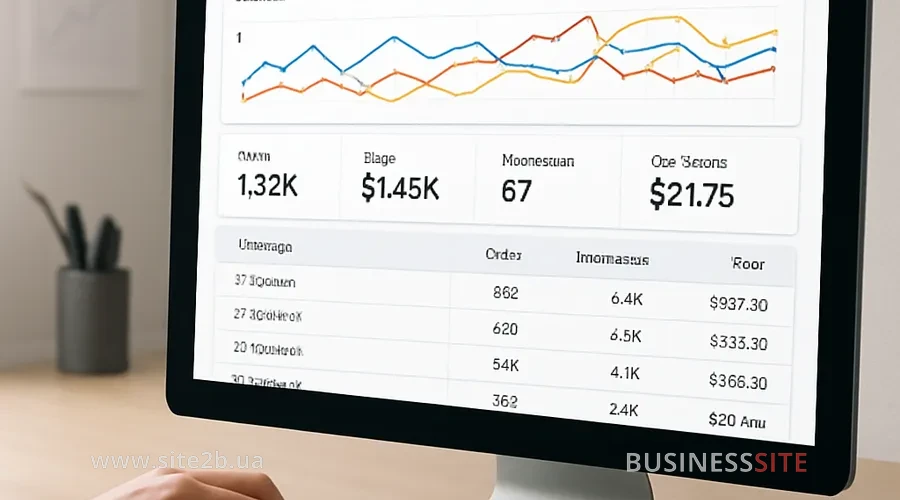
Effective analytics is the basis for optimizing advertising campaigns. I recommend using Google Ads tools and Google Analytics to assess the contribution of extensions to the overall campaign.
- CTR (click-through rate) for each extension type.
- Conversions and cost per lead.
- The impact of extensions on ad position.
- ROI and LTV by audience segments.
At BUSINESS SITE we regularly run A/B tests of extensions, compare results, disable ineffective automatic assets, and optimize strategy. Risk management is an important aspect: it is recommended to monitor the display of automatic extensions and promptly disable those that reduce ad effectiveness.
Next we will consider specific Google Ads extensions for growing your business.
Google Ads extensions for business growth
Google Ads extensions are not just additional ad elements but a strategic tool for managing advertising effectiveness. They can increase CTR, reduce cost per click, increase conversions, and flexibly adapt campaigns to business and audience goals.
I am convinced that integrating extensions into a business’s digital strategy is an investment that delivers measurable and transparent results.
An expert approach and continuous improvement: the foundation of success in digital marketing in 2025.
Rate the article:





