
Over 14 years working in web development and internet marketing, I have witnessed many technological revolutions, but what is happening now in the field of artificial intelligence truly changes the game. This is especially true for video content creation, where the emergence of tools like HeyGen opens entirely new opportunities for businesses.
If you are an entrepreneur, marketer, or manager looking for ways to automate the creation of personalized video content, reduce production costs, and increase audience engagement — this article is for you. I will explain how HeyGen can become a powerful tool in your marketing arsenal and share practical recommendations for its use.
What is HeyGen and How It Works

HeyGen is a neural network that uses artificial intelligence technologies to create realistic videos with digital avatars. Essentially, it is a tool that allows you to generate video content with virtual speakers based on your photos or videos. The technology operates on deep learning and generative neural networks, ensuring high-quality synchronization of speech, expressions, and movements.
Key Features of HeyGen
The main functionality of HeyGen focuses on creating personalized videos with minimal time and resource investment. The platform allows you to upload a photo or a short video of a real person and create a digital twin based on them, capable of speaking different languages while maintaining natural expressions and intonations.
Pros and Cons of HeyGen
During my work with HeyGen, I highlighted several key advantages:
- Significant time and budget savings on video content production. At BUSINESS SITE, we have reduced the time for creating training videos for clients by approximately 70%.
- The ability to quickly scale video production. One of our clients, an electronics online store, managed to create personalized reviews for more than 200 products in just a week.
- Multilingual capabilities without the need to engage voice actors. We successfully adapted commercials for the Ukrainian market, saving clients thousands of dollars on localization.
- High-quality synchronization of speech and expressions, making the videos as natural as possible.
- Some emotional nuances and subtleties of expressions are still challenging to convey through AI avatars.
- For creating truly high-quality avatars, good source material is required — clear photos or videos with good lighting.
- With intensive use, the cost can be significant for small businesses.
Who Can Benefit from HeyGen
Based on our experience at BUSINESS SITE, I can say that HeyGen is especially useful for:
- Marketers who need to create regular video content for social networks and email newsletters.
- Entrepreneurs wanting to personalize communication with customers through video.
- Educational projects creating training materials.
- E-commerce platforms that require product reviews.
Price and Cost of Using HeyGen
HeyGen offers several pricing plans, starting from a basic one priced at around 29 USD per month, which includes a limited number of video generation minutes. Professional plans start at 79 USD and offer extended functionality and more generation minutes.
In our practice, we have found that for medium-sized businesses, the professional plan is optimal, providing enough minutes for regular content production. It is important to consider that additional costs may arise for:
- Creating custom avatars with advanced features.
- Purchasing additional generation minutes when exceeding the limit.
- Integration with other marketing tools.
Types of AI Avatars in HeyGen: Which to Choose?
HeyGen offers several types of avatars, each with its own features and applications. Based on our experience at BUSINESS SITE, I will talk about three main types and help you decide.
Instant Avatar — this is the fastest way to create a digital twin. You upload a short video (usually 15-30 seconds) where the person speaks directly into the camera with a neutral facial expression. The system analyzes facial expressions, speech features, and creates an avatar capable of reproducing new texts while maintaining the original’s individual traits.
Photo Avatar allows you to create a talking character based on a photograph. This is an excellent option when you can’t record a video or want to “animate” historical figures or stock photos.
Custom Avatar — this is the most advanced option, involving detailed image development considering specific requirements. Such avatars can have an extended set of movements, more natural expressions, and even specific style or branding elements.
When choosing an avatar type, I recommend focusing on:
- Project budget (Custom Avatar is more expensive).
- Availability of source materials (high-quality video or photo).
- Long-term usage (for a permanent brand face, investing in Custom Avatar is worth it).
- Requirements for realism and naturalness.
Step-by-Step Guide: How to Create Your First Video Avatar in HeyGen
Creating your own AI video avatar with HeyGen is a process accessible to everyone, even without experience with neural networks and video editing. The main thing is to understand the sequence of actions and follow a few important nuances that many forget at the start. To ensure that your first digital twin comes out truly lifelike and convincing, I have compiled a detailed step-by-step guide for you, based on the experience of the BUSINESS SITE team and personal practice.
Registration on the HeyGen Platform
Getting started with HeyGen is quite simple. Go to the official website and register by providing an email and creating a password. After confirming your email, you will gain access to the basic functionality. I recommend starting with a free trial period, which will allow you to assess the platform’s capabilities before purchasing a subscription.
Choosing the Type of Avatar
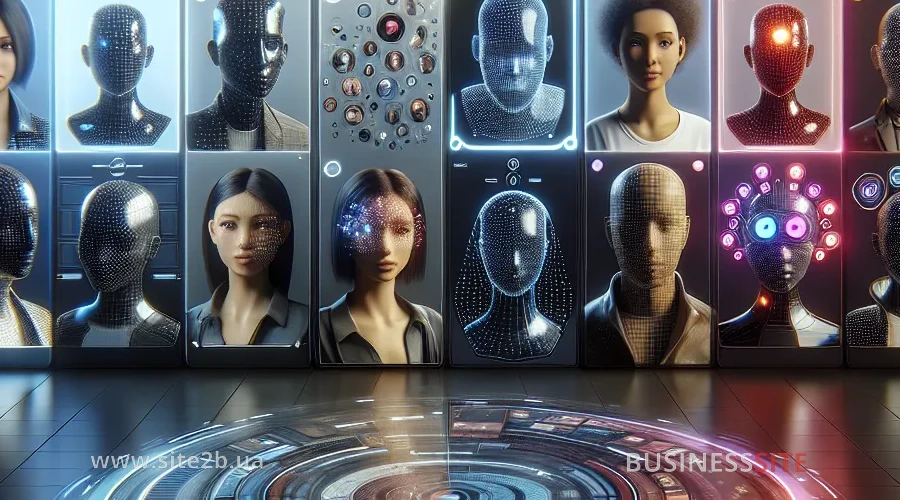
After logging into the system, you will see a control panel with various options. Choose the “Create Avatar” section and decide on the type of avatar you want to create. As I mentioned earlier, there are three main options: Instant Avatar (from video), Photo Avatar (from photo), and Custom Avatar (with extended features).
Main Requirements for the Material. Preparing Video/Photo for Upload
The quality of the source material directly affects the result. Based on our experience at BUSINESS SITE, I have compiled a list of recommendations:
For Video (Instant Avatar):
- Use a camera with a resolution of at least 1080p.
- Ensure even lighting on the face without harsh shadows.
- Record video against a neutral background (preferably solid color).
- Speak clearly, with a neutral facial expression.
- Video duration should be 15-30 seconds.
- Avoid abrupt head and hand movements.
For Photo (Photo Avatar):
- Use a portrait photo with good resolution.
- The face should be well-lit and occupy a large part of the frame.
- The facial expression should be neutral or with a slight smile.
- Avoid complex hairstyles and accessories covering the face.
Uploading and Waiting for Processing
After preparing the material, upload it to the system. The processing time may take from a few minutes to several hours, depending on server load and task complexity.
HeyGen Alternatives
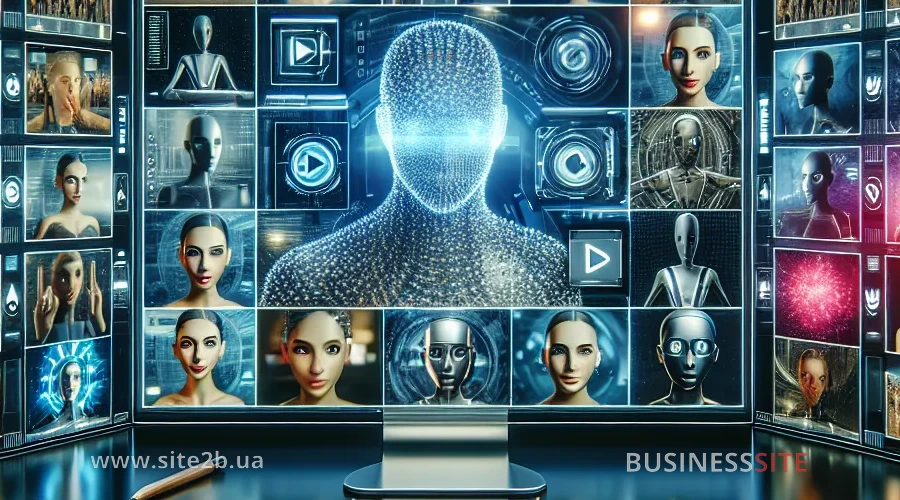
Synthesia is one of the most well-known competitors of HeyGen. The platform offers similar functionality for creating AI videos with avatars but has some differences. Unlike HeyGen, Synthesia places a greater emphasis on ready-made avatars and templates, making it easier for beginners to get started.
Colossyan is a service focused on ease of use and fast video generation for marketing and HR. It supports avatar customization and integration with popular platforms.
DeepBrain (AI Studios) is a rapidly developing platform in Asia that offers advanced capabilities for speech synthesis and facial animation. It is suitable for companies that prioritize multilingualism and localization.
Answers to Questions About the Article (FAQ)

Conclusion
AI video avatars are not just a trendy fad but a real tool for boosting sales, automating marketing, and enhancing brand trust. HeyGen leads the way due to its ease of use, generation quality, and broad integration possibilities. I believe that for Ukrainian companies looking to stand out in the market, optimize costs, and speed up customer communication, adopting AI avatars is a logical step forward. At BUSINESS SITE, we recommend HeyGen to those who value transparency, efficiency, and are ready to invest in innovations to achieve measurable marketing goals.
Rate the article:





