
Imagine the situation: you launched a website development project, agreed on a budget, signed a contract — and then three months later instead of a functioning online store you receive half of the promised functionality, unforeseen expenses and disappointment. This is the classic “pig in a poke” in the IT industry, when expectations collide with the reality of development so painfully that companies lose from 30 to 50% of additional budget on revisions and rework.
What is a technical specification and why is it needed?
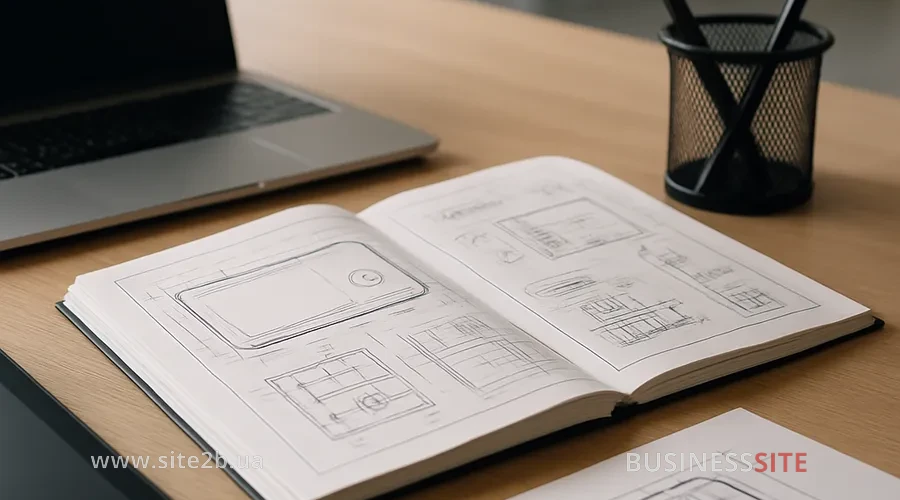
A technical specification (TS) is not just a document, it is a contract between your vision of the project and the reality of its implementation. It is a detailed description of what needs to be done, how it should work, which technologies to use, and by what criteria to evaluate the result.
Without a TS the developer works “at the developer’s discretion” — a phrase that should scare you. When requirements are vague, every team member interprets them differently. The designer imagines one thing, the frontend developer implements another, the backend developer chooses what is convenient for them, and you end up with something else. IT risk management starts precisely with documenting requirements in writing.
The difference between TS and FS in development
Entrepreneurs often confuse a technical specification with a functional specification. These are different documents, and each solves its own task.
| Aspect | Technical specification (TS) | Functional specification (FS) |
|---|---|---|
| Focus | How it will be done (technical conditions) | What should be done (functionality) |
| Audience | Developers, testers, DevOps | Product managers, business analysts, clients |
| Contents | Architecture, databases (PostgreSQL), API endpoints, technology stack | User scenarios, business processes, UX requirements |
| Example | “REST API endpoints must return JSON with a 200 status code on success” | “A user must be able to add a product to the cart with one click” |
Typical mistakes in a website TS
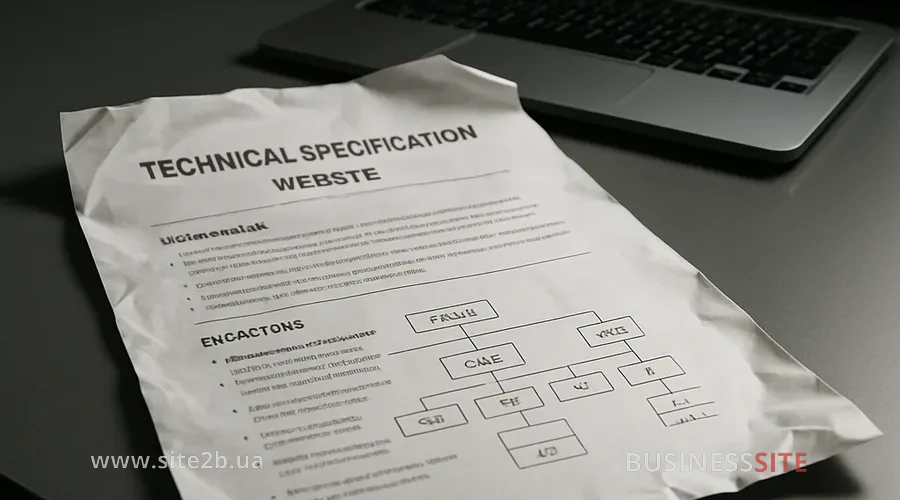
I have seen hundreds of technical specifications, and most of them contain the same mistakes. Here are the most dangerous:
- Vague design requirements. Instead of “a beautiful site” write: “The site must comply with the brand guidelines (colors: #1a1a1a, #ffffff), use the Inter font, and have a responsive design for mobile devices with a breakpoint at 768px.” A design brief without specifics is an invitation to rework.
- No description of integrations. If the site must integrate with a CRM, a payment system, or a delivery service, this must be described with references to the API documentation, required endpoints, and data formats.
- Undefined timelines and milestones. “Do it in a month” is not a plan. Intermediate control starts with clear dates: “Mockups by January 15, frontend by February 1, integration by February 15.”
- No testing requirements. Which unit tests are mandatory? What percentage of code coverage? Are integration tests required? Without this the developer may miss critical bugs.
- Unclear performance requirements. “A fast site” is not a metric. Write: “The main page load time must be no more than 2 seconds on 4G, Core Web Vitals in the green zone.”
- No description of error handling. What happens if an API is unavailable? How does the system handle incorrect data?
- Uncertainty about support and scaling. How many concurrent users should the site withstand? Which cloud solutions to use?
Checklist for reviewing the TS before sending it to the developer:
- All requirements are described concretely, without words like “beautiful”, “convenient”, “good”
- All integrations with external services and their API endpoints are specified
- Timelines and intermediate milestones are defined
- Testing requirements are described (unit tests, integration tests)
- Performance and scalability metrics are specified
- Error and exception handling processes are defined
- Security and data protection requirements are described
How to write a technical specification for a website developer

When I talk about how to write a technical specification to avoid a pig in a poke, I mean a structured process. Here is the step-by-step algorithm we use at BUSINESS SITE.
Key sections of the technical specification to avoid buying a pig in a poke
-
Goals and project context
Start with why this project is needed at all. Not “we need a website”, but “we need a website because we are losing 30% of potential customers who can’t find us online”. Describe the target audience, current user pains, and how the project will solve them.
Practical example: for a pharmaceutical company we described not simply “create a product catalog”, but “create a catalog that will allow doctors to quickly find the required medication by name, code, indications and interactions with other drugs”. This determined the entire search and filtering architecture. -
Functional requirements
Describe each function separately. Use the format “The user must be able to…”:
- The user must be able to register via email or social networks
- The user must be able to add a product to the cart and place an order in 3 clicks
- The administrator must be able to manage the product catalog, upload images and set prices
-
Technical requirements
This section describes the technical conditions for implementation:
- Technology stack (for example, React for the frontend, Node.js for the backend, PostgreSQL as the database for data storage)
- Architecture (microservices, monolith, serverless)
- REST API endpoints with method descriptions (GET, POST, PUT, DELETE) and data format
- Security requirements (https, protection against CSRF, input validation)
- Performance requirements (API response time no more than 200ms)
-
Design and UX requirements
Attach mockups or a link to Figma. Describe:
- Color palette and typography
- Responsiveness (mobile, tablets, desktops)
- Interactive elements (buttons, forms, modal windows)
- Microinteractions (animations, click feedback)
-
Integrations
If the site needs to integrate with external services, describe each one:
- Payment system (Stripe, 2Checkout, etc.): which payment methods, how errors are handled
- CRM (for storing customer data): which data to synchronize
- email marketing (Mailchimp, ActiveCampaign): which events trigger sending emails
- Cloud storage (S3): for which files, what size limits
For each integration, provide the API documentation.
-
Testing requirements
Describe the testing pyramid:
- Unit tests: at least 70% coverage of critical code
- Integration tests: all API endpoints must be tested
- E2E tests: main user scenarios (registration, purchase, return)
Specify which tools to use (Jest for unit tests, Cypress for E2E).
-
Timelines and milestones
Break the project into phases with clear deadlines:
- Week 1-2: Design and architecture (approval of mockups and the specification)
- Week 3-4: Frontend of main pages
- Week 5-6: Backend and integrations
- Week 7: Testing and refinements
- Week 8: Deploy and launch
Intermediate project reviews should be held at the end of each phase.
Testing pyramid and automated tests in the specification
Base (Unit tests): these are tests of individual functions and components. They are fast, cheap, and should make up 70% of all tests. Example: a test of a discount calculation function that checks that a 10% discount on an amount of 1000 hryvnias yields the result 900 hryvnias.
- “All critical functions must have unit tests with at least 80% coverage”
- “All API endpoints must be covered by integration tests”
- “Main user scenarios (registration, purchase, return) must be covered by E2E tests”
- “Automated tests must run on every commit to the repository”
This ensures that the developer will not just write code, but also verify its quality.
Agile and Scrum in application development
If you work with developer outstaffing or outsourcing an IT project, they will probably suggest working according to the Agile methodology. That’s fine, but a specification is still necessary.
“As a doctor, I want to be able to filter medications by indications so I can quickly find the right medicine for a patient”.
Acceptance criteria:
- The filter should display a list of indications
- The user should be able to select one or several indications
- Results should update in real time
- The filter should work on mobile devices
Intermediate review in Scrum takes place at the end of each sprint during review and retrospective meetings. This allows you to see progress, give feedback, and adjust requirements if needed.
Contractor red flags: how to choose outstaffing developers

Even if you write a perfect specification, choosing the wrong contractor can ruin everything. Red flags in outstaffing are signs that a developer or company is unreliable. Here are the top 10 red flags to watch for.
- Vague answers to questions. If you asked how the developer will solve a specific technical task and received a vague response, that’s a bad sign. A good developer will explain their approach, discuss alternatives, and justify their choice.
- No portfolio or work samples. “Everything is in the resume” is not an argument. Ask for links to projects the developer has worked on. If they can’t show examples, that’s a red flag.
- Promises that sound too good to be true. “We’ll do it in a week”, “We guarantee the result”, “It’s very simple” — all these are signs that the developer doesn’t understand the complexity of the project or is trying to deceive you.
- No questions for you. If the developer doesn’t ask about your project, goals, budget, and deadlines, it means they are not interested in understanding your needs. A good contractor asks many questions.
- Unwillingness to discuss the specification. “Let’s start development and write the specification as we go” is a path to chaos. If the developer doesn’t want to spend time agreeing on requirements, that’s a bad sign.
- No quality control process. How does the developer check code quality? Do they use code review, automated tests, static analysis? If there’s no answer, the quality will be low.
- Unwillingness to sign a contract with clear terms. If the developer evades discussion of deadlines, cost, payment terms, and liability, that’s a very bad sign.
- Lack of communication. The developer doesn’t respond to messages, misses meetings, and doesn’t provide progress updates. This is a sign of unreliability.
- Price that’s too low. If the price is half of what other developers charge, it’s not a bargain, it’s a red flag. Either the developer underestimated the project, or they deliver low-quality work.
- No experience in your domain. A developer who has never built sites for e-commerce may not understand the specifics of your project. Experience in similar projects is important.
Developer screening: test and resume
If you’ve found a potential developer, don’t rush to hire them. Conduct a systematic screening.
Step 1: Checking the developer’s resume
Pay attention to:
- Experience in similar projects (if you need e-commerce, look for experience in developing online stores)
- Technology stack (does it match your requirements?)
- Duration at each position (frequent job changes: that’s a red flag)
- References and reviews from previous employers
Step 2: Technical interview
Ask questions that test depth of knowledge:
- “Tell us about the most difficult project you’ve worked on. What were the challenges and how did you solve them?”
- “How do you approach performance optimization? What tools do you use?”
- “Tell us about your experience with REST APIs. How do you design endpoints?”
- “How do you write unit tests? What percentage of code coverage do you consider acceptable?”
A good developer will give detailed answers with examples from their experience.
Give the developer a small test task (2-4 hours of work) that reflects the real requirements of your project. Example:
“Create a REST API endpoint that returns a list of products with filtering by category and price. Write unit tests for this endpoint. Use a PostgreSQL database.”
Evaluate:
- Code quality (readability, structure, adherence to best practices)
- Presence of tests and their quality
- Documentation (is there a README, comments in the code?)
- Completion time (did they meet the deadline?)
Step 4: Checking soft skills
Soft skills are often more important than technical ones. Check:
- Communication: can the developer clearly explain their decisions?
- Reliability: did they complete the test task on time and in full?
- Willingness to collaborate: do they ask questions if something is unclear?
- Proactivity: do they suggest improvements or just follow the requirements?
Developer soft skills and reliability
I often see companies hiring a developer with a perfect resume but terrible soft skills. The result: the developer can’t work in a team, doesn’t listen to feedback, and doesn’t communicate with the client.
Communication: The developer must be able to explain complex technical things in simple terms. If you don’t understand what they are saying, that’s a problem.
Openness to feedback: A good developer doesn’t get defensive when you criticize their code. They listen, understand why it doesn’t work, and fix it.
Proactivity: If the developer sees a problem, they should propose a solution, not just wait for you to tell them.
How to check soft skills during the test task:
- Ask the developer to explain their code. Can they do it clearly?
- Give feedback on their solution. How do they react? Do they get defensive or listen?
- Ask questions. Do they ask counter-questions if something is unclear?
- Check communication. Do they reply to messages promptly? Do they provide progress updates?
Controlling the Terms of Reference (TOR) and risks in IT outstaffing
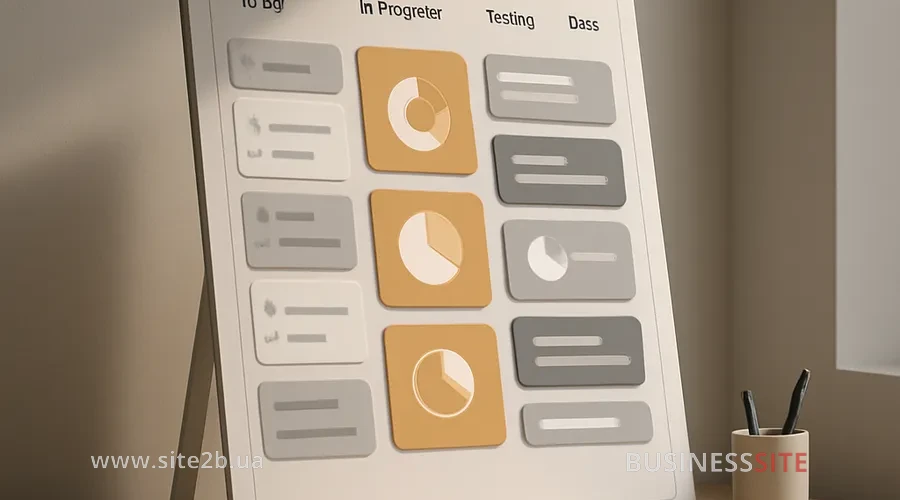
Even if you chose the perfect developer and wrote a perfect TOR, the project can go wrong if you do not monitor its progress. Intermediate project control is a set of measures that ensures the project is moving in the right direction.
Milestones and deadlines: The project is broken down into stages, each with a clear deadline. At the end of each stage a review is held: what was done, what remains, and whether there are any problems.
Quality passport: This is a document that describes the quality criteria for each project component. Example: “The frontend must have 80% unit test coverage, all components must be documented in Storybook, the main page load time must be no more than 2 seconds”.
Weekly syncs: Every Monday (or another convenient day) a meeting is held where the developer reports what was done last week, what is planned for this week, and what issues exist.
Automated tests and CI/CD: Every commit to the repository should trigger automated tests. If the tests do not pass, code must not be deployed to production. This prevents bugs from reaching the live system.
Code review: Before code is merged into the main branch, it should be reviewed by another developer. This ensures quality and knowledge sharing within the team.
Rate the article:





